
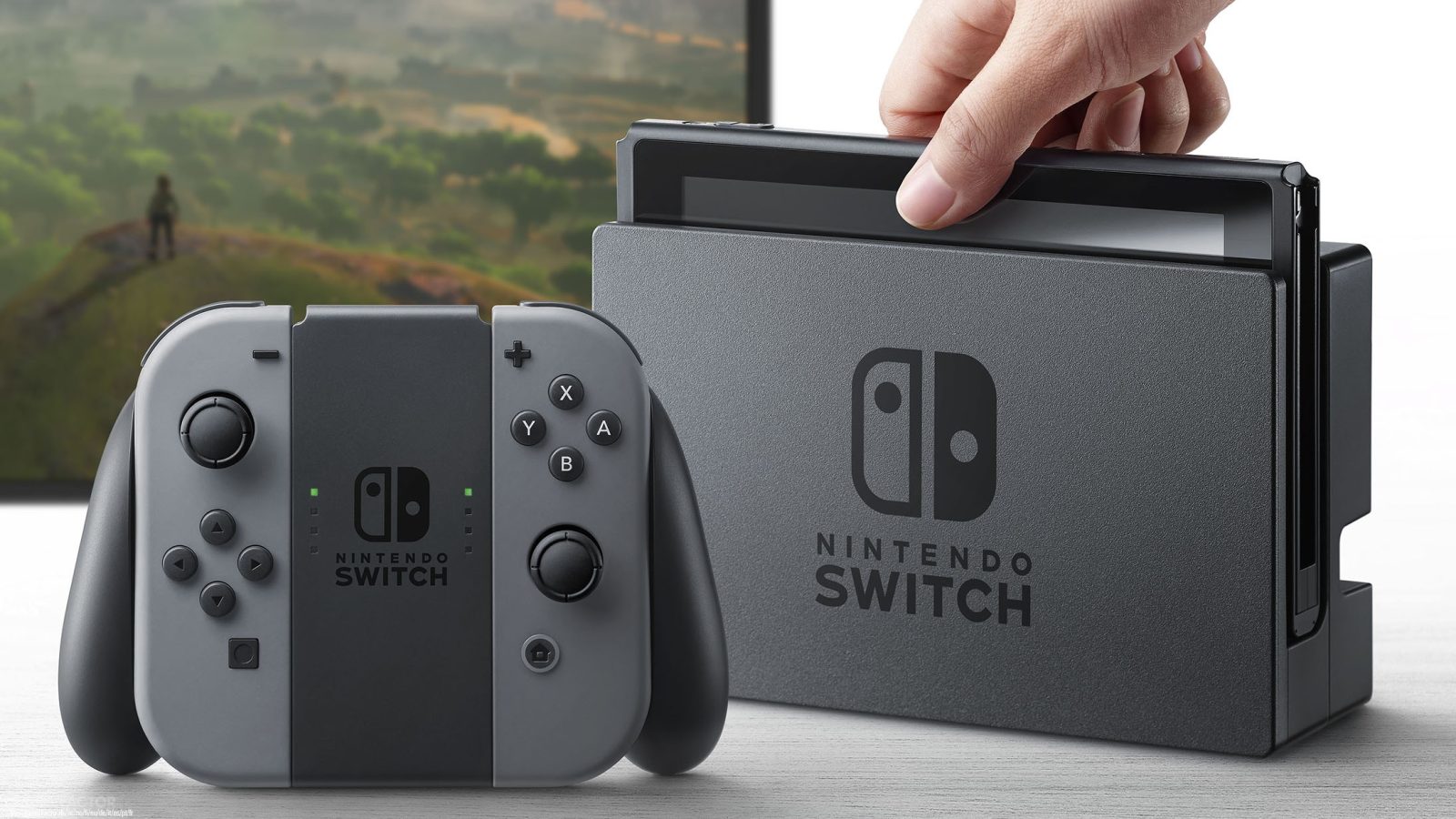
De fleste av oppdateringene som har kommet til Nintendo Switch etter lansering har i hovedsak bare vært for å "forbedre stabiliteten", men nå har vi endelig fått en oppdatering som fikser en rekke ting folk har ønsket seg. Her snakker vi ikke bare om at Switchen ikke vil skru på enkelte tv-er automatisk lenger, men også mulighet til å legge til venner du har på 3DS og Wii U, varsling når venner logger seg på, og mye mer. Her har dere hele listen av endringer:
• Register a channel to receive News for specific games.
To register, head to News > Find Channels
• Add friends from your Nintendo 3DS and Wii U Friend Lists.
To add friends, head to your My Page on the top left of the Home Menu > Friend Suggestions
• Receive notifications when your Friends go online.
To turn this ON/OFF, head to System Settings > Notifications > Friend Notifications
• Find paired controllers within communication range by activating the vibration feature.
To search, head to Controllers > Find Controllers
• Change the user icon order on the Home Menu.
To change order, head to System Settings > Users > Change Order
• Select from 6 new Splatoon 2 characters for user icon.
To edit your user icon, head to your My Page on the top left of the Home Menu > Profile
• Change the system volume from the Quick Settings.
To access Quick Settings, hold down the HOME Button
• Lower the maximum volume for headphone or speakers connected to the audio jack.
To lower the max headphone volume, head to System Settings > System > Lower Max Headphone Volume
* This settings will be ON when Parental Controls are enabled
• Change display colors to Invert Colors or Grayscale.
To use this feature, head to System Settings > System > Change Display Colors
• Connect a USB keyboard to the dock to type whenever the keyboard is on the screen.
• Use the Nintendo Switch Pro Controller via wired communication by connecting the USB charging cable.
To enable, head to System Settings > Controllers and Sensors > Pro Controller Wired Communication
* The NFC touchpoint on the Pro Controller will be disabled while the controller is using wired communication.
• Update connected controllers.
To update, head to System Settings > Controllers and Sensors > Update Controllers
•Added a feature that suggests deletion of software data when insufficient space when downloading other software.
* User save data is not deleted
• Resolved an issue that caused game software updates to fail and prevented the software from starting.
• Improvements to prevent unintended HDMI input change with certain TVs while the console is docked in Sleep Mode.
Er det noe av dette du har lengtet etter?